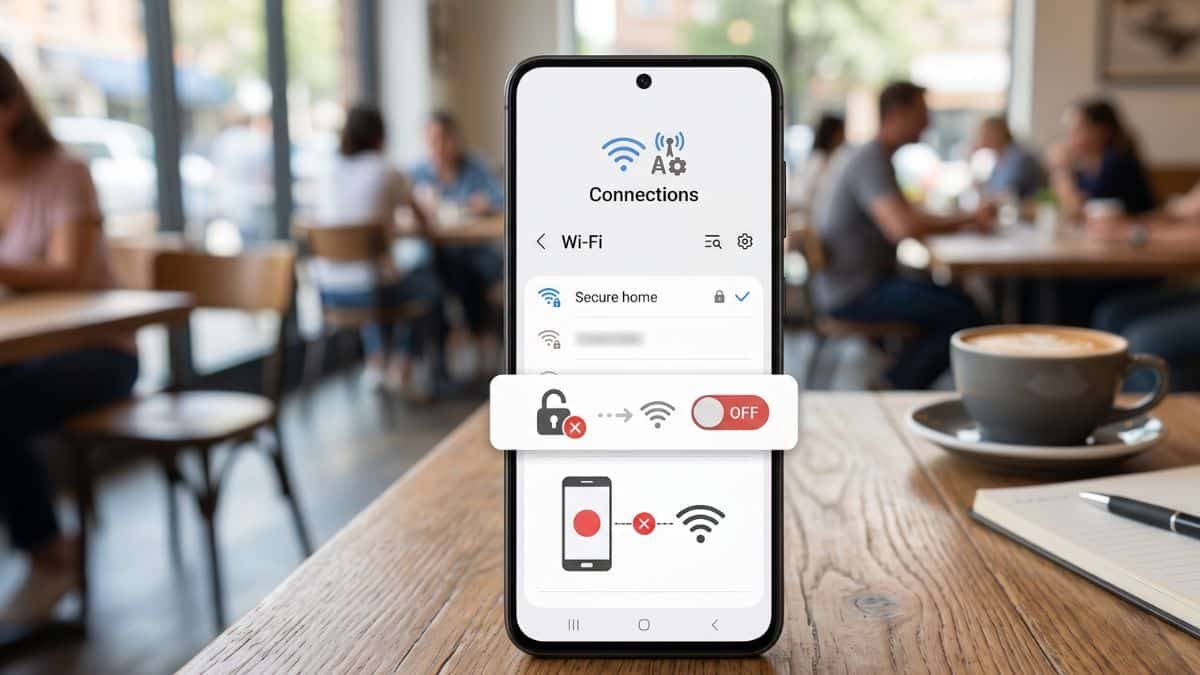
The Risks of Persistent Connections
Mobile devices prioritize convenience by automatically reconnecting to previously accessed Wi-Fi networks. While efficient at home, this behavior creates significant security vulnerabilities when applied to public hotspots. Attackers often deploy rogue access points that mimic the names of trusted public networks to intercept unencrypted traffic.
Data intercepted through these man-in-the-middle attacks can include login credentials, financial information, and private communications. Disabling automatic reconnection ensures the user maintains control over when and where their device transmits data. This simple adjustment serves as a primary defense against passive data harvesting in high-traffic areas like airports and cafes.
Disabling Auto-Join on iOS and Android
Managing network settings is the most direct way to mitigate these risks. Users should periodically audit their saved networks to remove those no longer in use. Follow these steps to secure your connection:
- For iOS users: Navigate to Settings, select Wi-Fi, and tap the information icon next to a specific network to toggle off Auto-Join.
- For Android users: Open Settings, go to Network & Internet, select the specific Wi-Fi network, and disable the Auto-connect option.
- Forget Network: For maximum security, use the Forget this Network command for any public access point immediately after use.
System-wide settings also exist to prevent the device from scanning for new open networks. On many Android versions, users can disable Notify for public networks within the Wi-Fi preferences menu. This prevents the device from constantly broadcasting its presence to nearby routers.
Advanced Protection Strategies
Manual control is a strong start, but additional layers provide better coverage for professionals handling sensitive company data. Using a Virtual Private Network (VPN) encrypts all outgoing traffic, making intercepted data unreadable to hackers. This is essential when a public connection is the only available option for urgent tasks.
Developers and security-conscious users should also consider these habits:
- Enable multi-factor authentication on all critical accounts to neutralize the impact of stolen passwords.
- Prioritize cellular data over public Wi-Fi for banking or accessing internal corporate servers.
- Keep device firmware updated to ensure the latest WPA3 security protocols are active.
Browser settings can also be configured to force HTTPS connections on all websites. This adds a secondary layer of encryption at the application level, protecting web-based interactions even if the network itself is compromised.
Monitor your device's data usage patterns to identify any unusual background activity that might indicate a breach.